SIMPLER THAN YOUR CURRENT OFFICE DOCUMENTS.
Processes documented.
Team aligned. Audit passed.
A platform that makes process management so simple your team will actually use it.
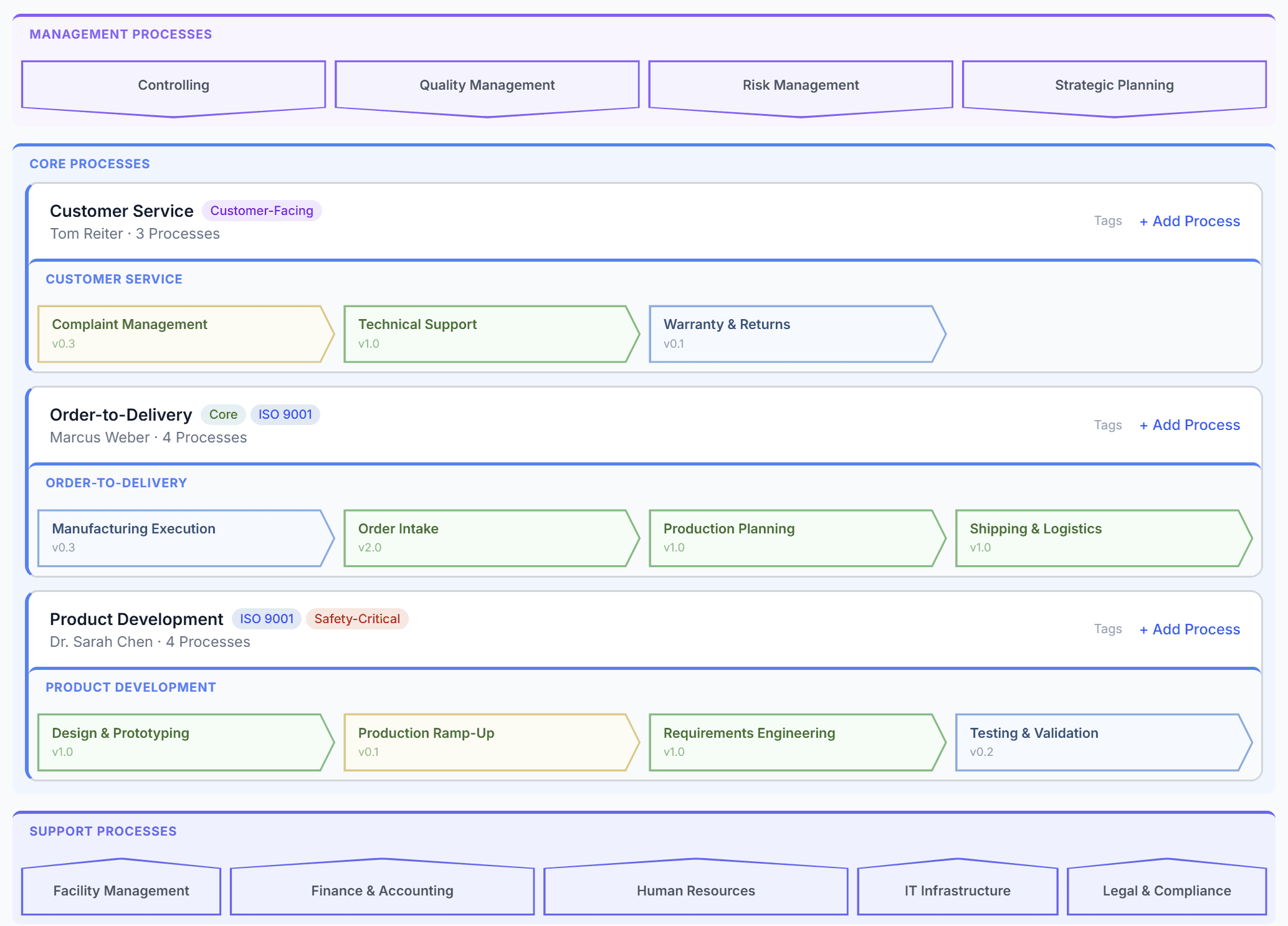
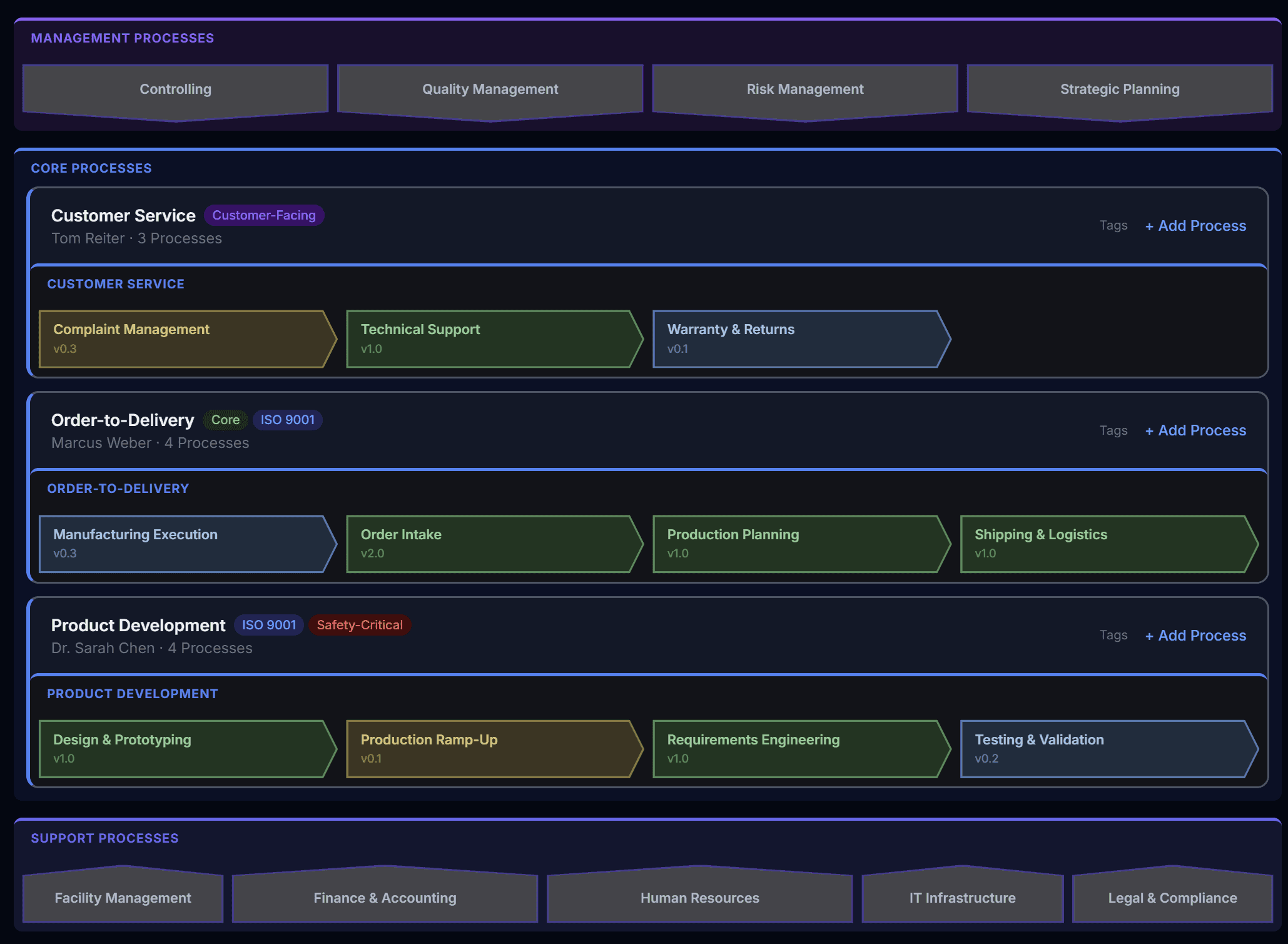
No enterprise monster
No weeks-long rollout, no training needed. First process captured in under 5 minutes.
Your team will actually use it
As simple as reading a checklist. View processes without an account, give feedback with one click.
Start for free
Full access during beta. No credit card, no contract, no sales call.
WHAT YOU GET
Everything in one tool
- ✓Create processes quickly and easily, with AI assistance. Import existing processes.
- ✓Complete audit trail and automatic versioning of every change.
- ✓ISO compliant documentation exported at the click of a button.
- ✓Data stored in Switzerland. Processing in the EU. GDPR compliant.
- ✓Everything in the browser. No installation, no Visio, no setup.
SCREENSHOTS
See it in action
Dashboard
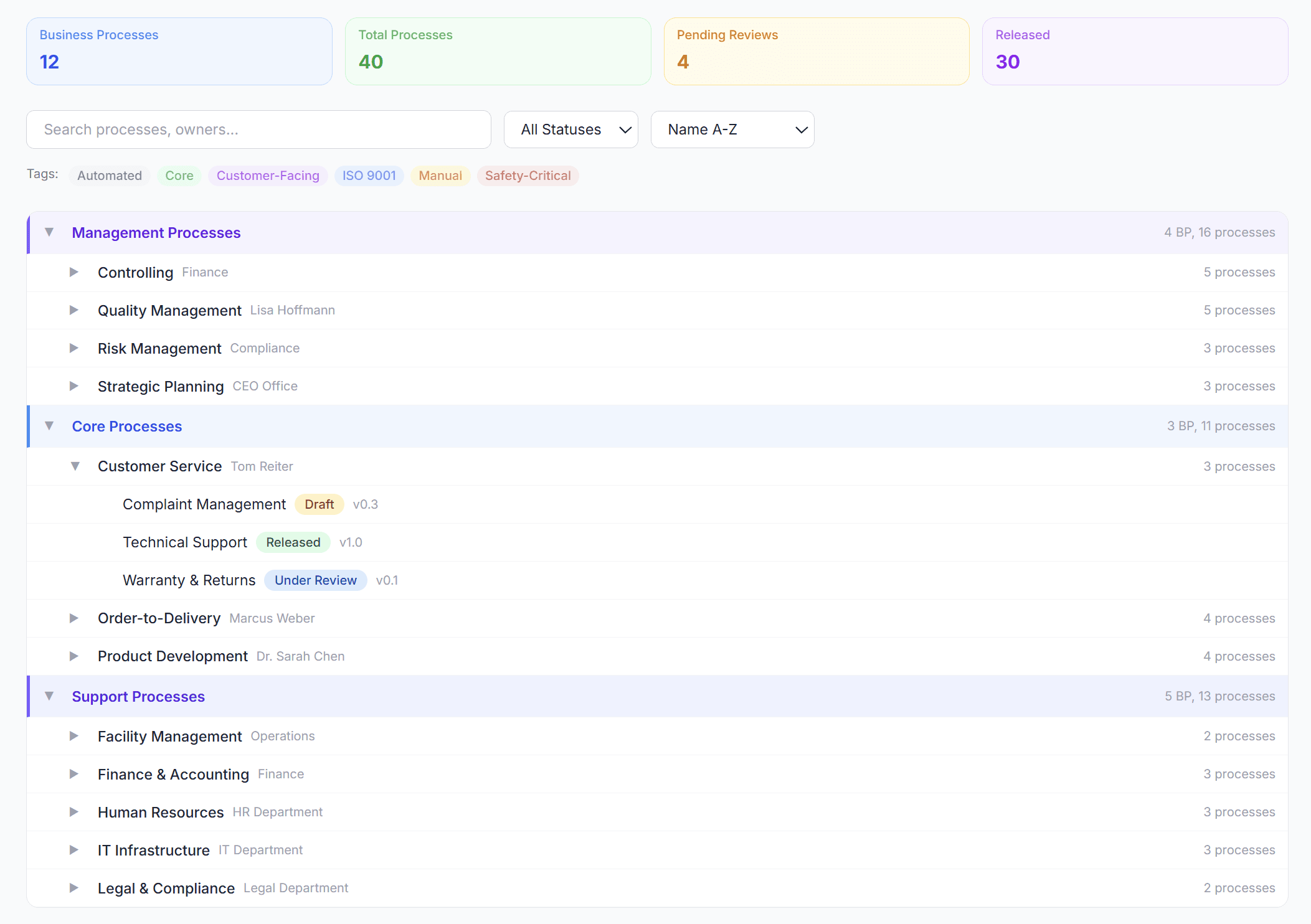
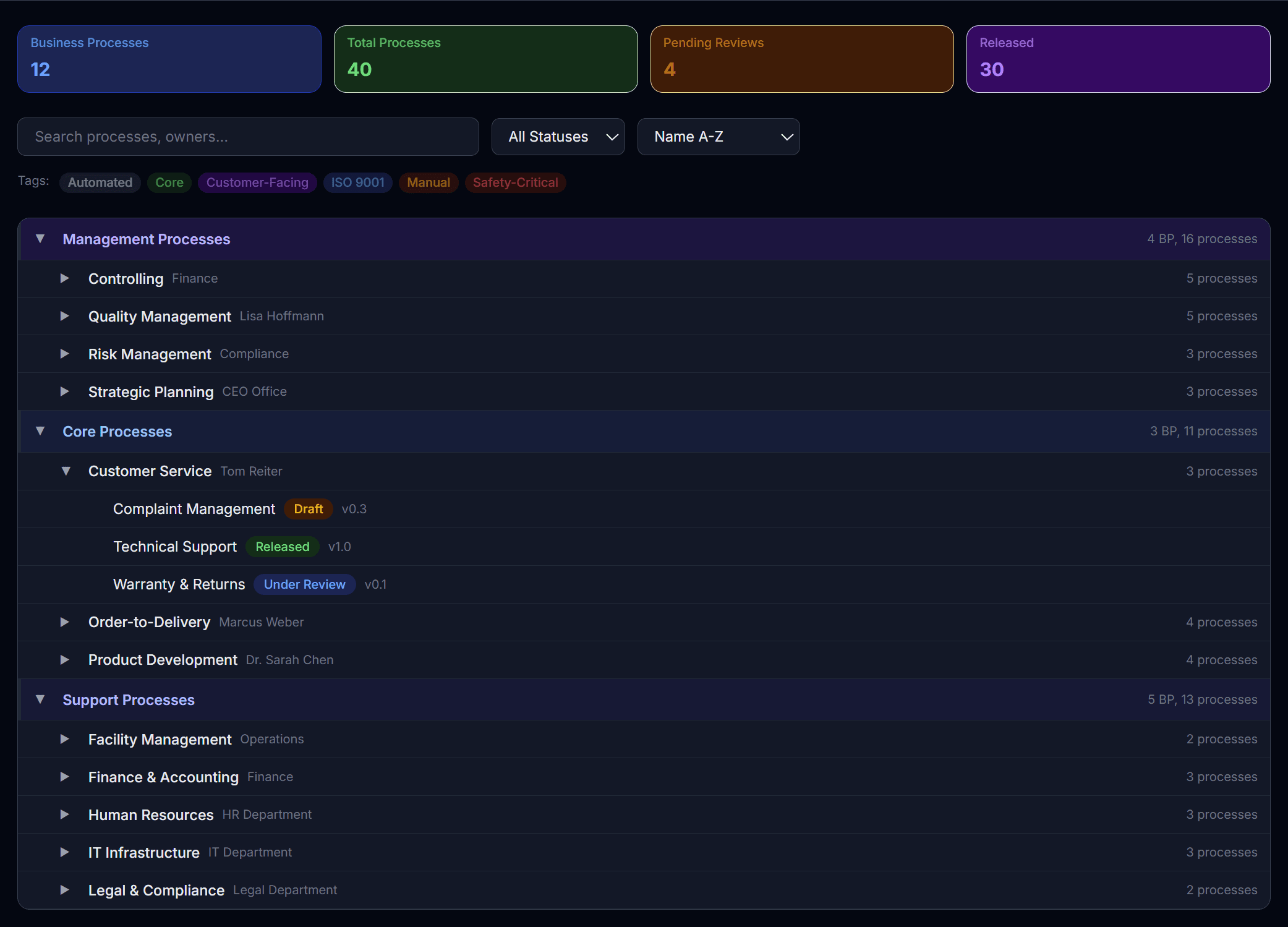
Process overview with AI assistant
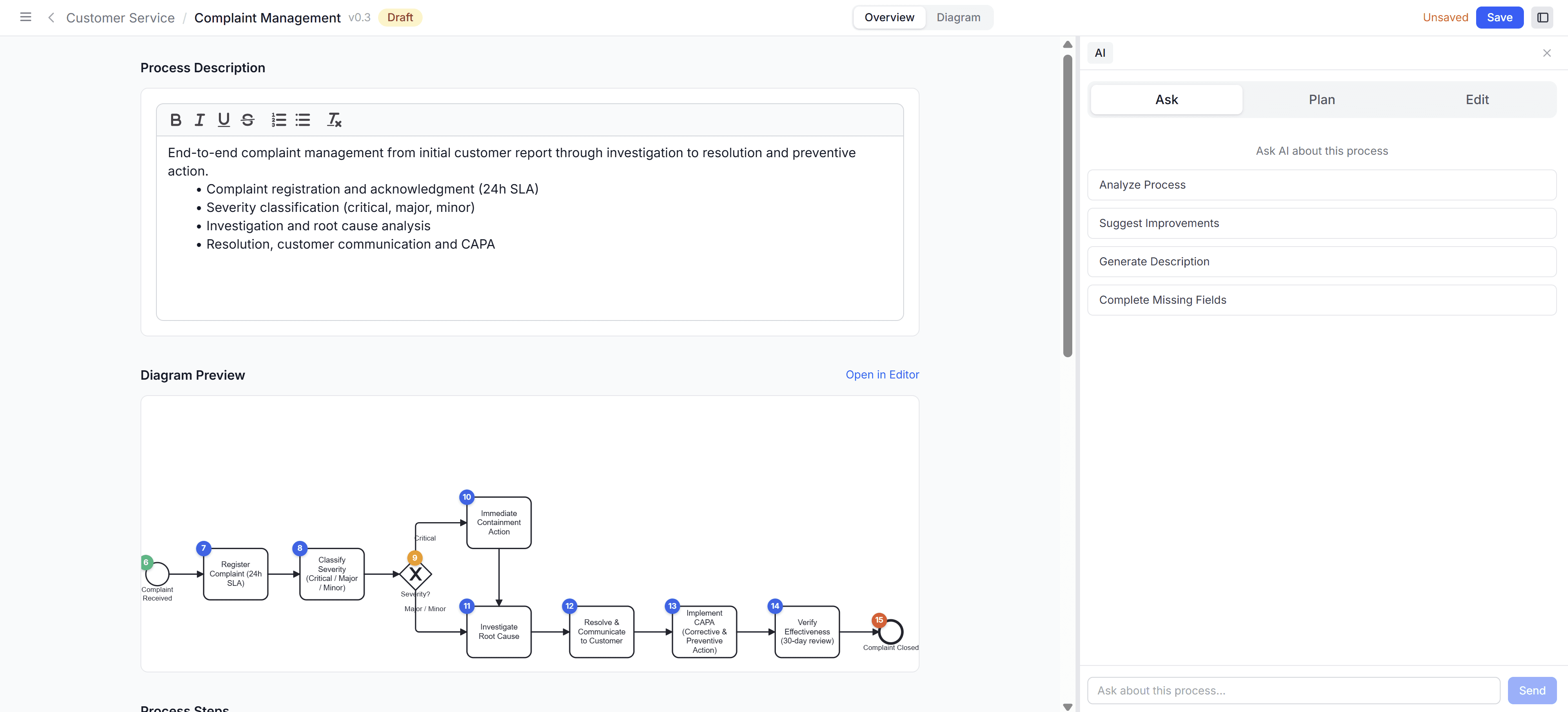
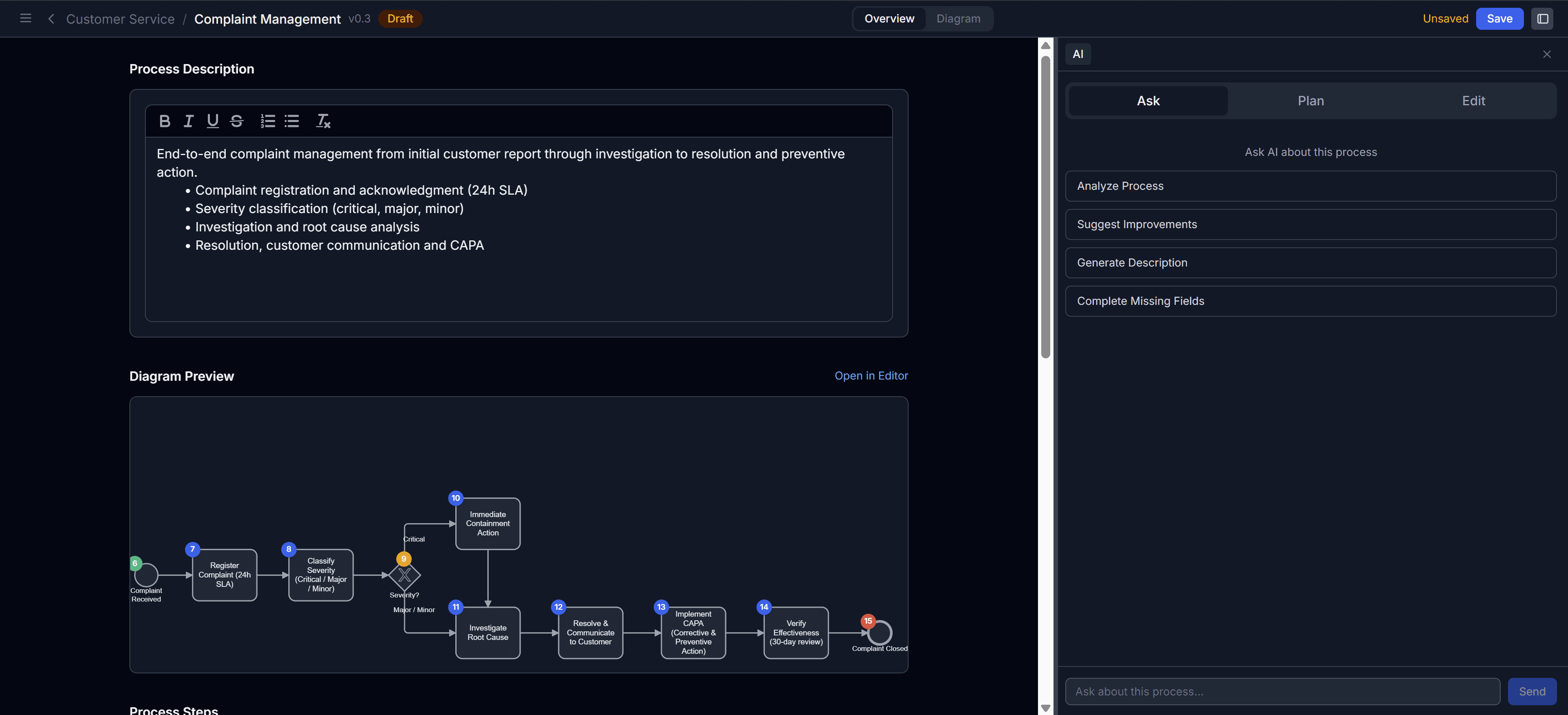
BPMN Editor
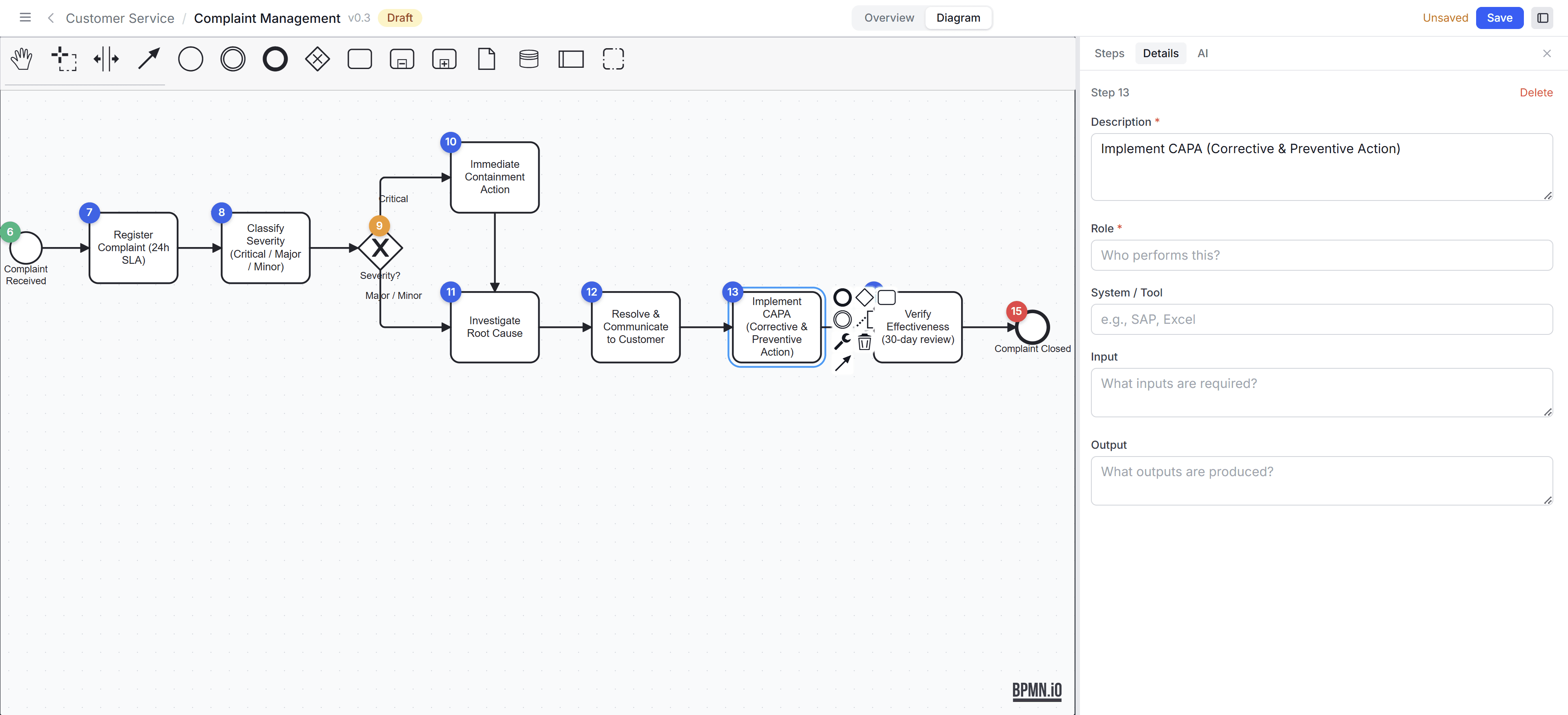
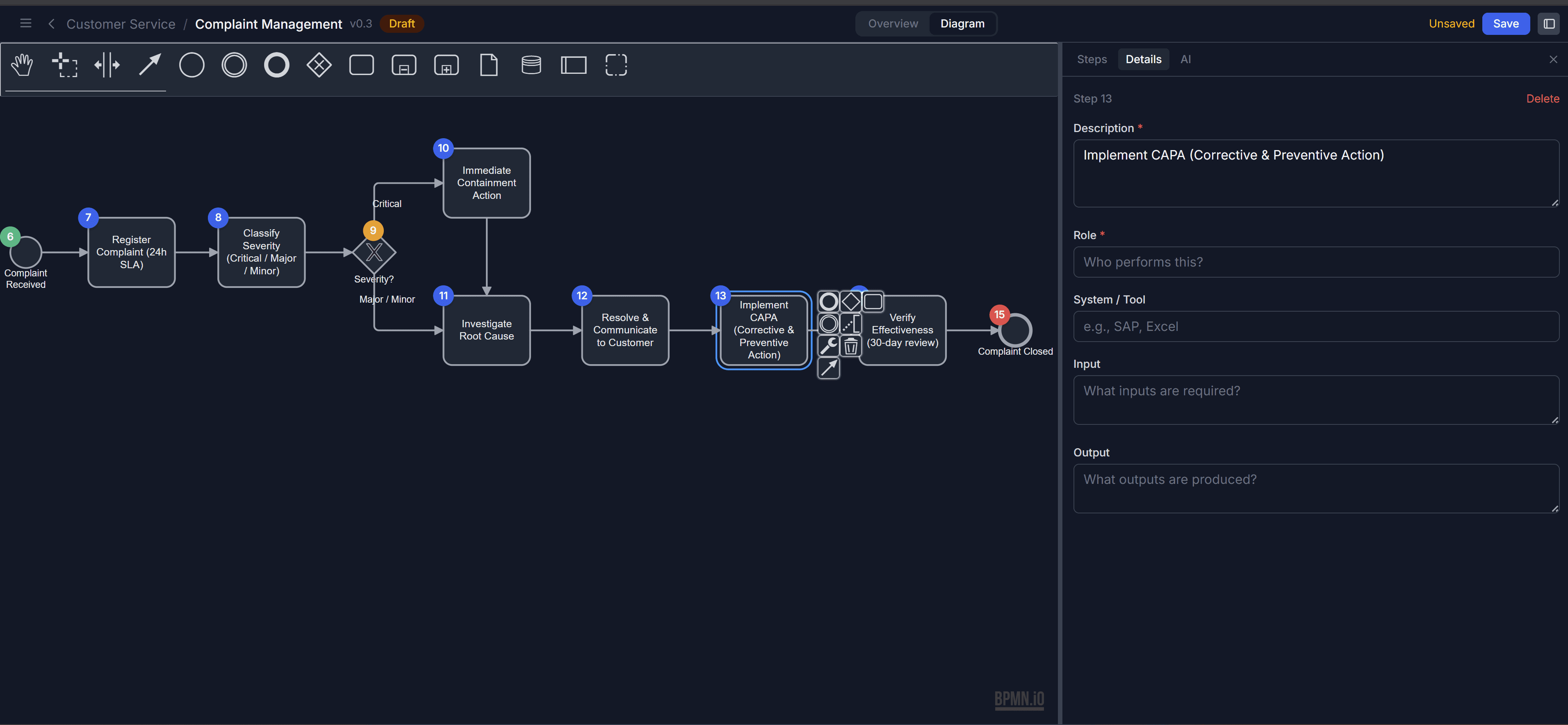
FAQ
Frequently asked questions
Procezz is a web-based process management tool that lets you document, visualize and govern your business processes using BPMN 2.0. It combines a process landscape, a structured editor, version control and review workflows in one application.
Quality managers, process owners, operations leads and ISO auditors in organizations of any size. For anyone managing processes in Word, Excel or SharePoint, but also for organizations stuck with overcomplicated or unsuitable tools looking for a simple, audit-ready alternative.
We are currently in closed development. Join the waitlist to get early access as soon as the beta is ready. Early adopters will help shape the product with their feedback.
Procezz will be free during the beta phase for all early adopters. No credit card required. Pricing for the full version will be announced before the beta ends.
Unlike general-purpose diagramming tools, Procezz is purpose-built for process management. It includes version control, review workflows, role-based access and a 3-lane process landscape – features that Visio and Lucidchart don't offer out of the box.
Your data is stored in Switzerland and processed in the EU. Procezz is built in Switzerland and fully compliant with GDPR and the Swiss Data Protection Act (nDSG). We do not sell or share your data with third parties.
Import and export of processes (e.g. BPMN XML, PDF) is a planned feature. This will let you migrate existing processes from other tools and export them as needed.
Swiss precision. European data protection.
Ready for modern process management?
Get early access. Free and no strings attached.